

Working from home has become increasingly common, and creating a dedicated, productive home office space is essential for staying focused and efficient. Whether you have a small nook or a separate room, implementing the right strategies can make a big difference in your workday. Here are some helpful tips to design a home office environment that supports productivity and well-being.
Choose the Right Location
Find a Quiet Spot
Identify a space in your home that is quiet and free of distractions. Ideally, this should be away from busy areas like the kitchen or living room. A quieter area helps reduce interruptions and allows you to concentrate better.
Consider Natural Light
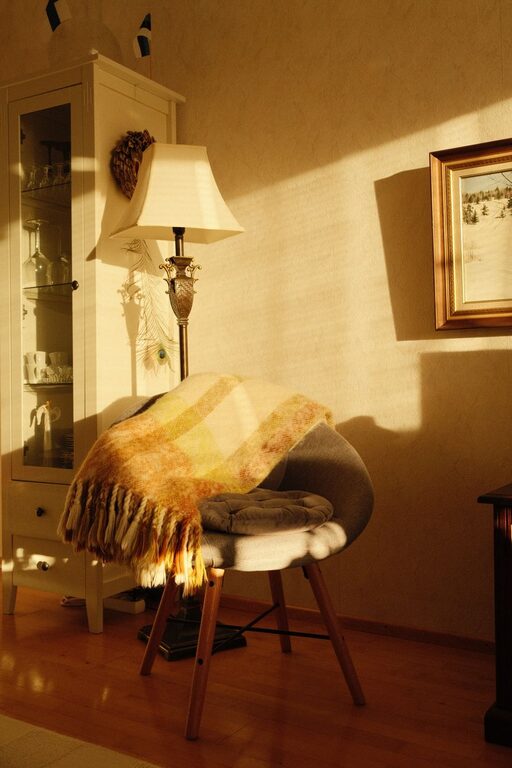
Where possible, set up your workspace near a window to take advantage of natural light. Natural light can improve mood, reduce eye strain, and enhance focus. If natural light isn’t an option, choose bright, soft lighting to keep your space well-lit and inviting.
Invest in Comfortable and Functional Furniture
Ergonomic Chair and Desk
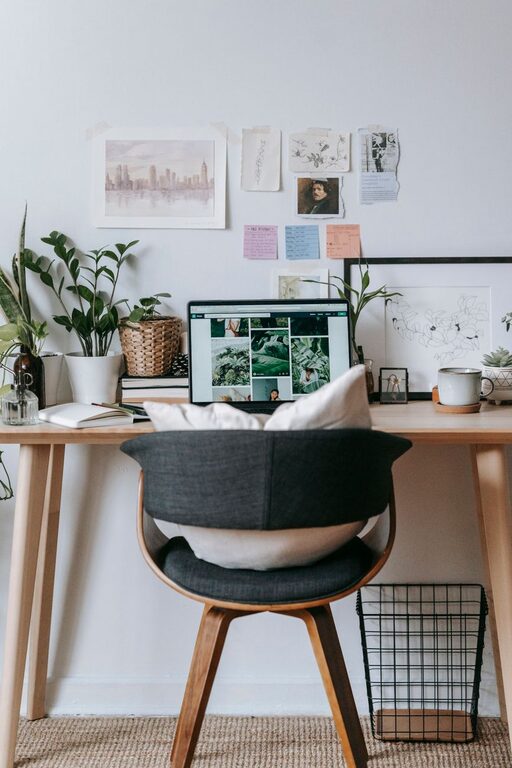
Comfort is key for maintaining productivity during long work hours. An ergonomic chair supports good posture and helps prevent back pain. Pair it with a desk at the right height to keep your wrists and arms comfortable while typing.
Keep Essentials Within Reach
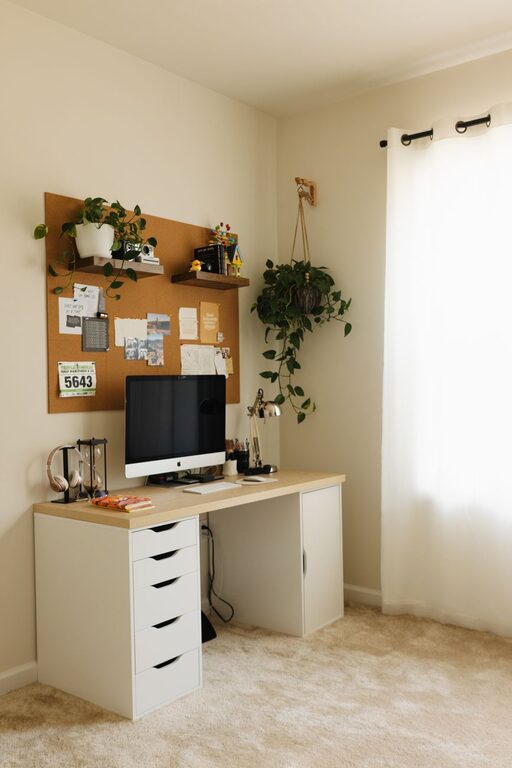
Organize your desk so that frequently used items like pens, notepads, and your computer accessories are easily accessible. This reduces clutter and minimizes interruptions caused by searching for things.
Organize Your Workspace Effectively
Declutter Regularly
A messy workspace can cause distractions and stress. Set aside a few minutes at the end of each day to tidy your desk. Use drawer organizers, shelves, or containers to keep items neatly stored.
Use Cable Management Solutions
Cables and cords can create an untidy look and make it difficult to clean your workspace. Use cable clips, sleeves, or ties to keep your cords organized and out of the way.
Minimize Distractions
Set Clear Boundaries
If you share your living space with others, communicate your working hours and request their understanding during those times. Use a door sign or headset to indicate when you are not to be disturbed.
Limit Digital Interruptions
Turn off non-essential notifications on your phone or computer while working. Apps that block distracting websites can also help you stay focused.
Personalize Your Space
Add Plants or Artwork
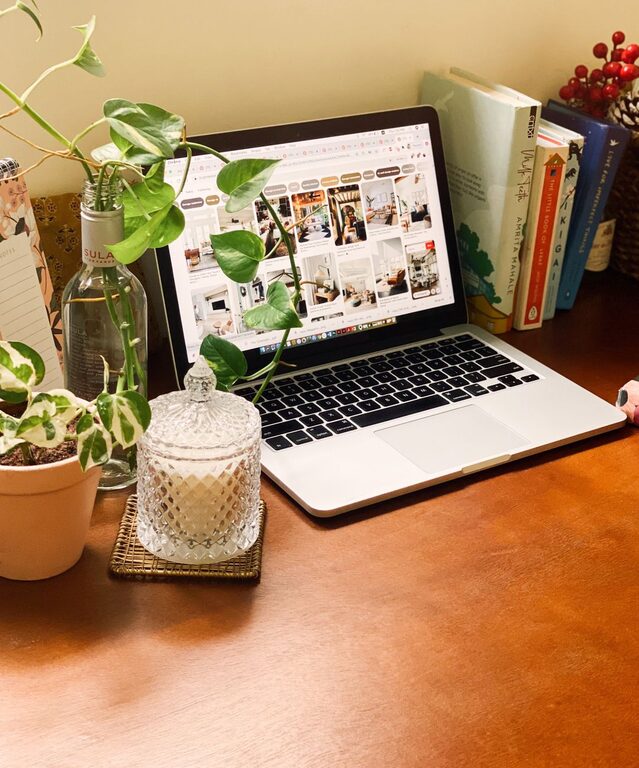
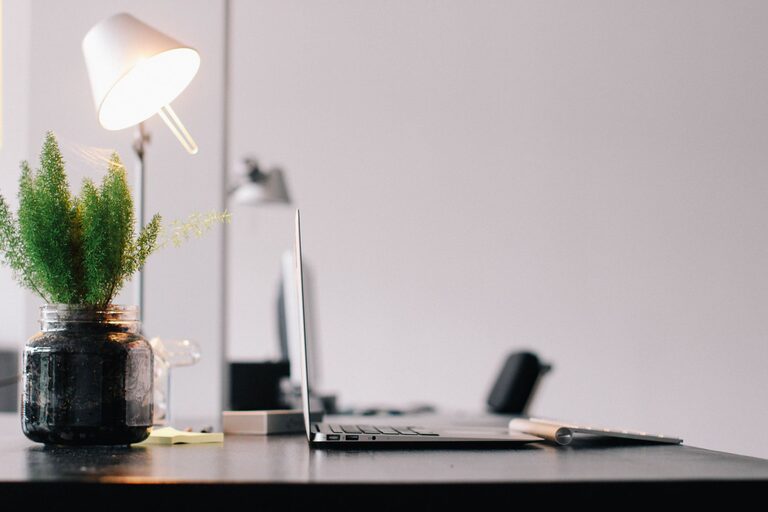
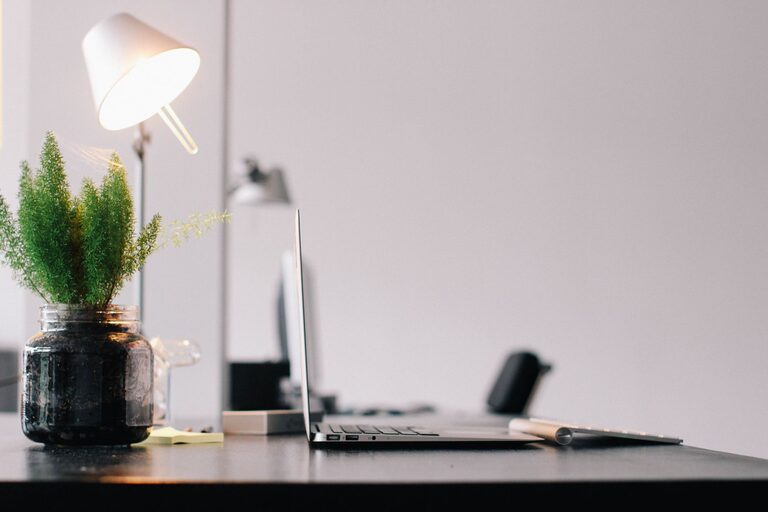
Small touches like plants, photos, or artwork can make your workspace feel more inviting and boost your mood. Plants, in particular, have been shown to improve air quality and reduce stress.
Choose Calming Colors
Paint your workspace or use accessories in colors that promote concentration and calmness, such as blue, green, or neutral tones.
Create a Routine and Schedule
Designate Work Hours
Even at home, it’s important to set a clear schedule. Start and end your workday at consistent times to encourage a healthy work-life balance.
Take Regular Breaks
Incorporate short breaks into your routine to rest your eyes, stretch, and move around. This helps prevent burnout and maintains productivity throughout the day.
Utilize Technology Wisely
Invest in Quality Equipment
Reliable internet, a good computer or laptop, and necessary peripherals like a printer or headphones help avoid technical frustrations that can disrupt focus.
Use Productivity Tools
Calendars, task management apps, and note-taking software can help you stay organized and track your progress.
Maintain Good Air Quality and Temperature
Ventilation and Fresh Air
Keep your home office well-ventilated. Opening a window for fresh air or using an air purifier can improve air quality and help you feel more alert.
Comfortable Temperature
Ensure the room temperature is neither too hot nor too cold. A comfortable environment makes it easier to concentrate and stay productive.
—
By thoughtfully arranging your home office with these tips, you can create a space that encourages focus, creativity, and efficiency. Remember, the best workspace is one that suits your personal needs and helps you thrive during your workday.