
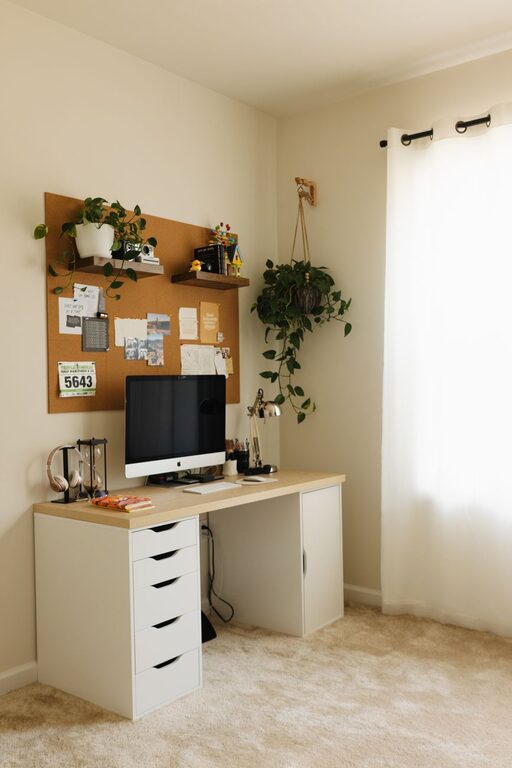


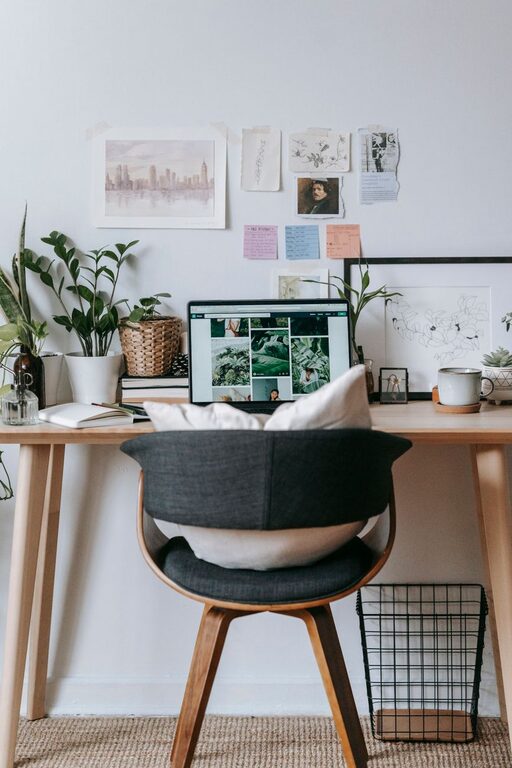

Creating a relaxing and productive home workspace is essential in today’s world, where many people spend a significant portion of their day working remotely. A thoughtfully arranged workspace can help reduce stress, improve focus, and make your workday more enjoyable. Whether you have a dedicated room or a small corner in your living area, these tips will help you design a comfortable, calm environment that supports your productivity.
Why a Relaxing Workspace Matters
Your surroundings greatly influence your mood and efficiency. A cluttered or uncomfortable area can increase stress and distract you from your tasks. On the other hand, a clean, comfortable, and inviting workspace encourages focus and creativity. Building a relaxing environment isn’t just about aesthetics—it also supports mental well-being and helps you separate work from relaxation.
Choose the Right Location
When selecting a spot for your home workspace:
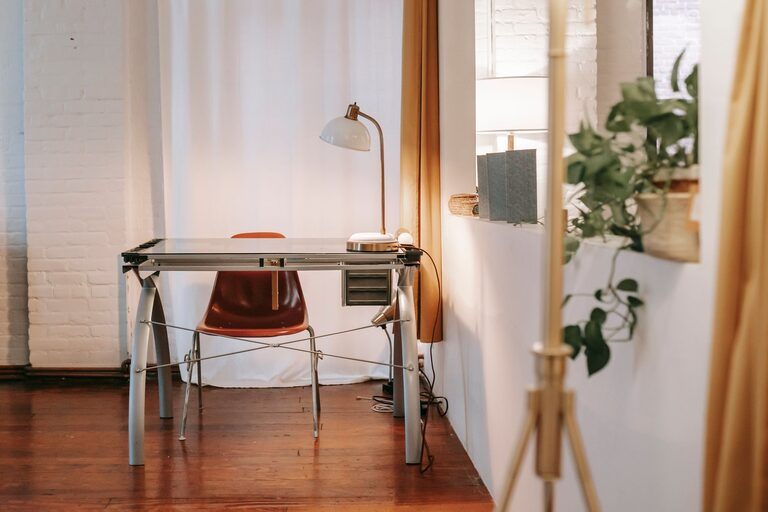
– Find natural light: Position your desk near a window if possible. Natural daylight helps reduce eye strain and boosts mood.
– Minimize distractions: Avoid noisy areas or places with frequent foot traffic.
– Consider privacy: Choose a space where you can work uninterrupted, even if it means using a room divider or noise-cancelling headphones.
Invest in Comfortable Furniture
Comfort is crucial for staying productive throughout the day.
– Ergonomic chair: Select a chair with adjustable height and lumbar support. Good back support prevents discomfort over long hours.
– Desk height: Ensure your desk is at a level where your arms rest comfortably with your wrists straight while typing.
– Footrest: If your feet don’t touch the floor comfortably, a small footrest can reduce strain.
Organize to Reduce Clutter
A clutter-free environment promotes clear thinking.
– Storage solutions: Use shelves, bins, or drawers to keep supplies organized and out of sight.
– Daily tidying: Spend a few minutes at the end of the day clearing your desk to maintain a clean workspace.
– Limit decorations: Choose a few meaningful items rather than crowding your area with unnecessary objects.
Add Personal Touches
Personalizing your workspace can make it feel welcoming and motivate you.
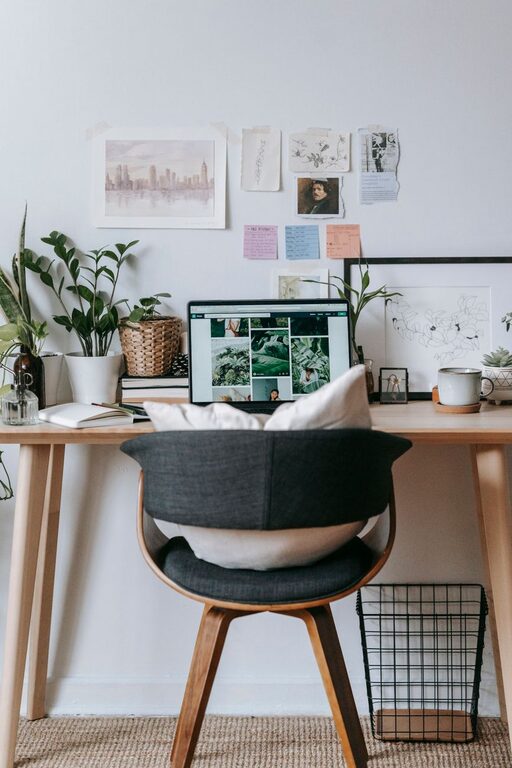
– Plants: Small indoor plants bring life and improve air quality. Succulents or low-maintenance greenery are great options.
– Artwork: Hang calming or inspiring images that you enjoy.
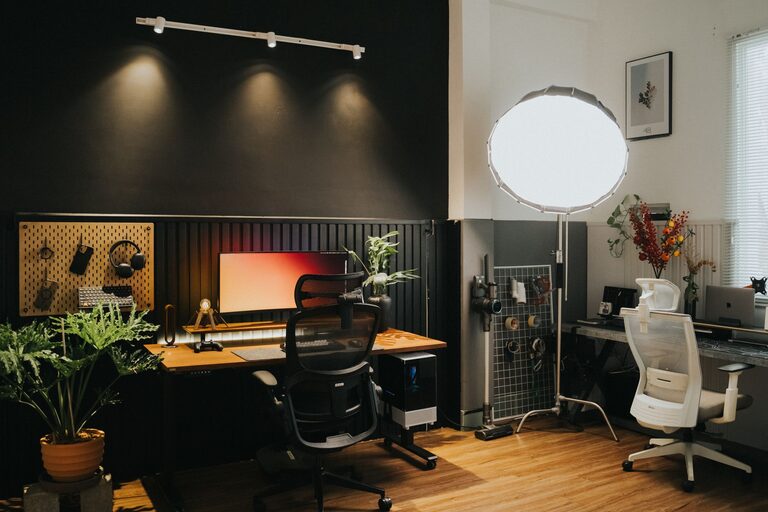
– Soft lighting: Use lamps or string lights to create a warm atmosphere, especially if you work late.
Manage Screen Time Wisely
Working on screens for long periods can cause eye strain and fatigue.
– Monitor placement: Position your screen about an arm’s length away and at eye level to avoid neck strain.
– Adjust brightness: Match screen brightness to your room’s lighting.
– Take breaks: Use the 20-20-20 rule—every 20 minutes, glance at something 20 feet away for 20 seconds—to relax your eyes.
Control Noise and Sound
Noise can disrupt concentration and increase stress.
– Soundproofing: Use rugs, curtains, or sound-absorbing panels to dampen noise.
– White noise: A fan or white noise machine can help mask distracting sounds.
– Headphones: Noise-cancelling headphones are useful in busy households or noisy neighborhoods.
Create a Routine and Boundaries
Setting rules around your workspace helps maintain balance.
– Define work hours: Stick to a schedule as if you were in an office, so work doesn’t bleed into personal time.
– Clear separation: When not working, leave your workspace to signal a mental break.
– Dedicated workspace: Avoid using your workspace for non-work activities to maintain focus and protect your relaxation zone.
Optimize Technology
Make your tech work for you, not against you.
– Cable management: Use clips or boxes to keep cords tidy and out of the way.
– Reliable internet: A strong connection prevents frustration during virtual meetings or online tasks.
– Ergonomic accessories: Consider an external keyboard and mouse if you use a laptop for improved comfort.
Prioritize Air Quality and Temperature
A comfortable environment supports productivity.
– Ventilation: Open windows when possible or use an air purifier to improve air quality.
– Temperature: Adjust heating or cooling to a comfortable level; a slightly cooler room often boosts alertness.
– Humidifier: If the air is dry, a humidifier can prevent discomfort or dry skin.
Final Thoughts
Creating a relaxing home workspace doesn’t require a big budget or an entire room. By thoughtfully choosing your location, investing in comfort, organizing efficiently, and personalizing your space, you can cultivate an environment that helps you stay productive and comfortable throughout the workday. Remember to take regular breaks, set boundaries, and adjust your space as your needs change. A calm and inviting workspace can make all the difference in achieving a healthy and balanced work-from-home routine.