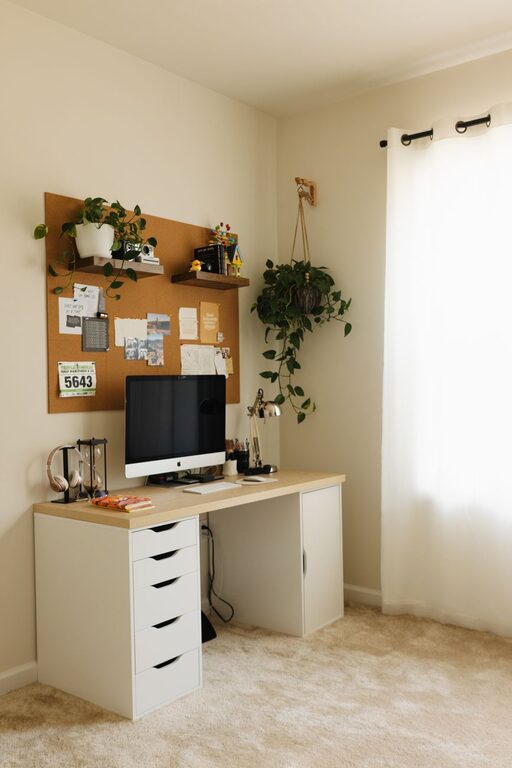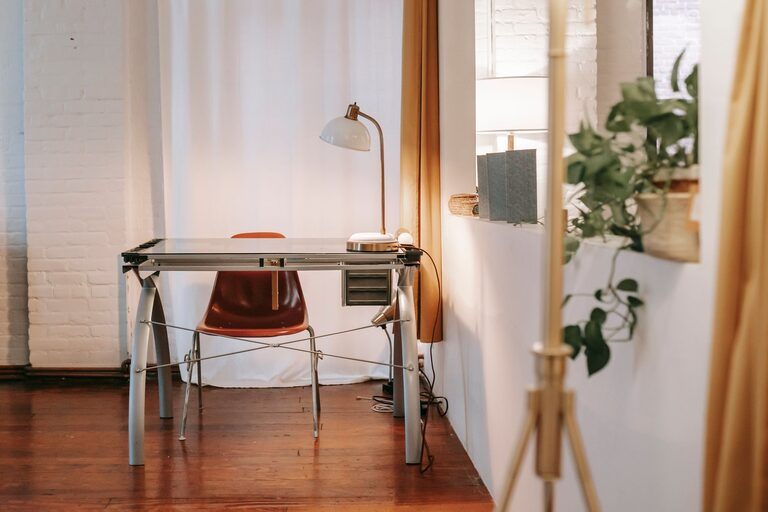

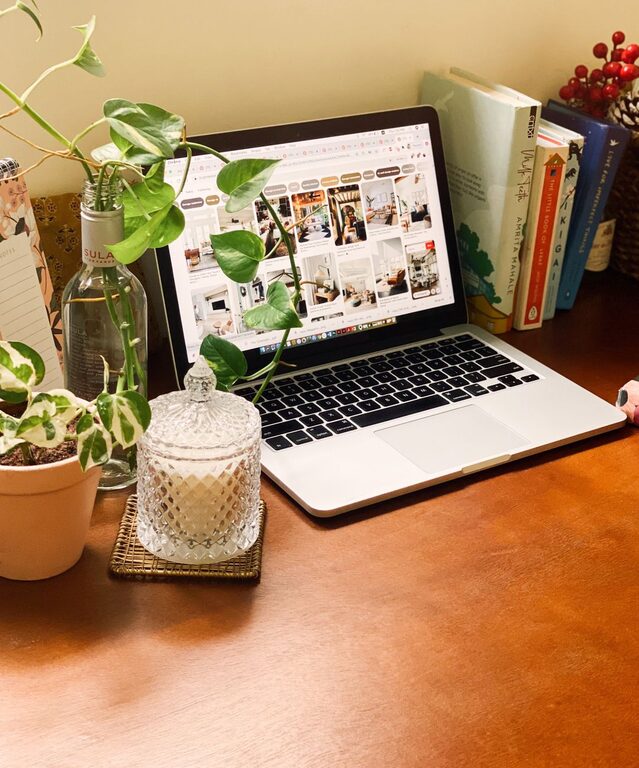
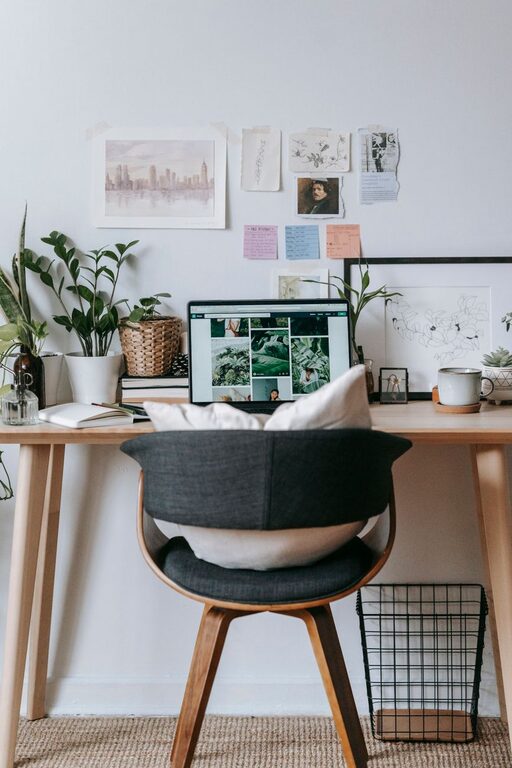




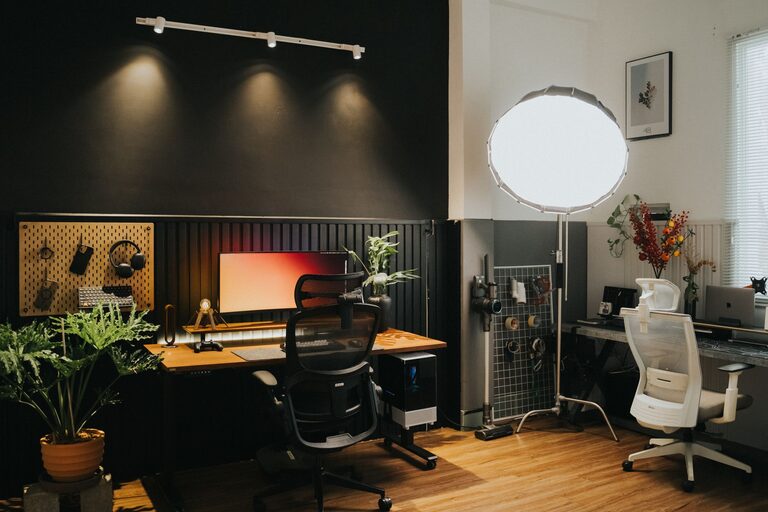
Creating a cozy and productive home office is essential for anyone working from home or managing projects remotely. A well-designed space not only boosts your efficiency but also makes your workday more enjoyable. Whether you have a dedicated room or just a small nook, these tips will help you shape a workspace that feels inviting and supports your focus.
Choose the Right Location
Selecting the right spot is the first step toward a successful home office. Ideally, find a quiet area with minimal distractions.
– Natural Light: A space with plenty of natural light can improve your mood and reduce eye strain.
– Away from Noise: Try to avoid high-traffic zones like the kitchen or living room, where noise or interruptions are common.
– Privacy: If you need to take calls or video conferences, ensure the space offers enough privacy to avoid disruptions.
If space is limited, consider creative solutions like using room dividers or setting up in a corner that can be separated from the rest of the home.
Invest in Comfortable and Functional Furniture
Comfort is key when it comes to productivity. The right furniture will support you physically and mentally throughout your workday.
– Ergonomic Chair: Choose a chair that promotes good posture and offers lumbar support to prevent back pain.
– Desk Size: Select a desk that fits your equipment comfortably and has space for writing or other tasks.
– Adjustable Options: Consider adjustable desks that allow you to alternate between sitting and standing.
Adding a footrest or cushioned seat pads can further enhance comfort during long hours.
Optimize Lighting
Proper lighting reduces eye strain and keeps you alert.
– Layered Lighting: Combine natural light with ambient lights and task lighting (like desk lamps) to create a balanced environment.
– Warm vs. Cool Light: Use warm light for a cozy atmosphere but cooler light near the computer screen to reduce eye fatigue.
– Avoid Glare: Position monitors and lamps to prevent glare on screens.
If your office lacks windows, invest in daylight bulbs that mimic natural light.
Organize Efficiently
Clutter can distract and hinder creativity. An organized workspace clears your mind and helps maintain focus.
– Storage Solutions: Use shelves, drawers, and filing cabinets to keep documents and supplies orderly.
– Minimal Desk Items: Keep only essential items on your desk to avoid distractions.
– Cable Management: Use clips or cable organizers to keep cords neat and out of the way.
Regularly declutter your workspace to maintain a tidy and inviting area.
Personalize Your Workspace
Adding personal touches can make your office feel cozy and motivating.
– Plants: Indoor plants improve air quality and add a calming touch.
– Art and Photos: Display inspiring artwork or family photos to boost your mood.
– Color Choices: Use colors that make you feel relaxed and focused, such as soft blues, greens, or neutrals.
Be mindful not to overdecorate, which could lead to distractions.
Control Temperature and Air Quality
Maintaining a comfortable temperature and fresh air helps you stay alert and comfortable.
– Temperature: Aim for a room temperature between 68-72°F (20-22°C).
– Ventilation: Open windows when possible, or use an air purifier to keep the air fresh.
– Humidity: Consider a humidifier if the air feels too dry, especially during colder seasons.
Minimize Distractions
Distractions reduce productivity, so take steps to minimize interruptions.
– Noise Control: Use noise-canceling headphones or white noise machines to block out background noise.
– Set Boundaries: Inform family or housemates about your working hours to reduce interruptions.
– Limit Technology Distractions: Consider apps or settings to block non-work-related notifications during your work time.
Use Technology Wisely
Equip your home office with technology that enhances productivity without causing complications.
– Reliable Internet: A stable, high-speed internet connection is vital for virtual meetings and online tasks.
– Quality Equipment: Invest in a good monitor, keyboard, and mouse that suit your workflow.
– Organizational Tools: Use digital calendars, task managers, and note-taking apps to stay on track.
Backup your work regularly to avoid losing important files.
Schedule Breaks and Movement
A cozy workspace should also encourage healthy habits.
– Regular Breaks: Use a timer to remind yourself to take short breaks every hour.
– Stretching: Incorporate simple stretches or quick walks to reduce stiffness and improve focus.
– Break Area: If possible, have a small area near your office where you can relax during breaks.
Taking breaks helps prevent burnout and keeps you energized throughout the day.
—
By combining comfort, functionality, and personalization, your home office can become a space where you look forward to working every day. Start with these tips and adjust them to suit your specific needs and preferences. A cozy, organized, and well-designed workspace will not only improve your productivity but also enhance your overall well-being.